Executive Summary
Credential management is one of the most critical, and most neglected, challenges facing Managed Service Providers. MSP engineers routinely handle hundreds of client passwords, API keys, and secrets, yet many teams still rely on shared spreadsheets, sticky notes, or consumer-grade password managers that lack multi-tenant isolation.
VaultBridge is an enterprise password and secrets vault I designed and built specifically for the MSP operating model. It provides full multi-tenant isolation, encrypted storage, role-based access control, two-factor authentication, and a complete audit trail, all behind a clean, modern interface with Microsoft SSO integration.
Background & Context
As an MSP, our engineers need instant access to client credentials across dozens of environments, from Active Directory admin accounts to cloud API keys to firewall configurations. Before VaultBridge, these credentials lived across a fragmented landscape: shared Excel files, email threads, consumer password managers, and sometimes just memory.
This created real risk: no visibility into who accessed what, no assurance that a departing engineer's access was revoked, no credential rotation tracking, and no compliance-ready audit trail. We needed a solution built for how MSPs actually work. One that treats tenant isolation as a first-class concern and makes secure credential sharing frictionless.
Objectives
The primary goal was to build a secure, multi-tenant vault that MSP teams could adopt without friction. Specifically: eliminate unencrypted credential storage, provide per-client tenant isolation, implement full audit logging for compliance, integrate with Microsoft identity for seamless SSO, enforce two-factor authentication, track credential rotation and expiry, and deliver an intuitive UI that engineers would actually use daily.
Architecture
VaultBridge follows a layered security architecture. The frontend communicates via a RESTful API to the vault service layer, which handles encryption, access control evaluation, and tenant context resolution before interacting with the encrypted datastore. Authentication flows through Microsoft Identity Platform for SSO, with a fallback email/password option, both protected by mandatory two-factor authentication.
Every request is authenticated, authorised against the tenant-scoped RBAC policy, and logged before any secret is decrypted and returned. Secrets are encrypted at rest using AES-256, and tenant boundaries are enforced at the data layer.
Key Features
Multi-Tenant Vault
Complete data isolation per client. Each tenant's secrets are encrypted independently with a dedicated tenant switcher for quick navigation between client environments.
Microsoft SSO + Email Auth
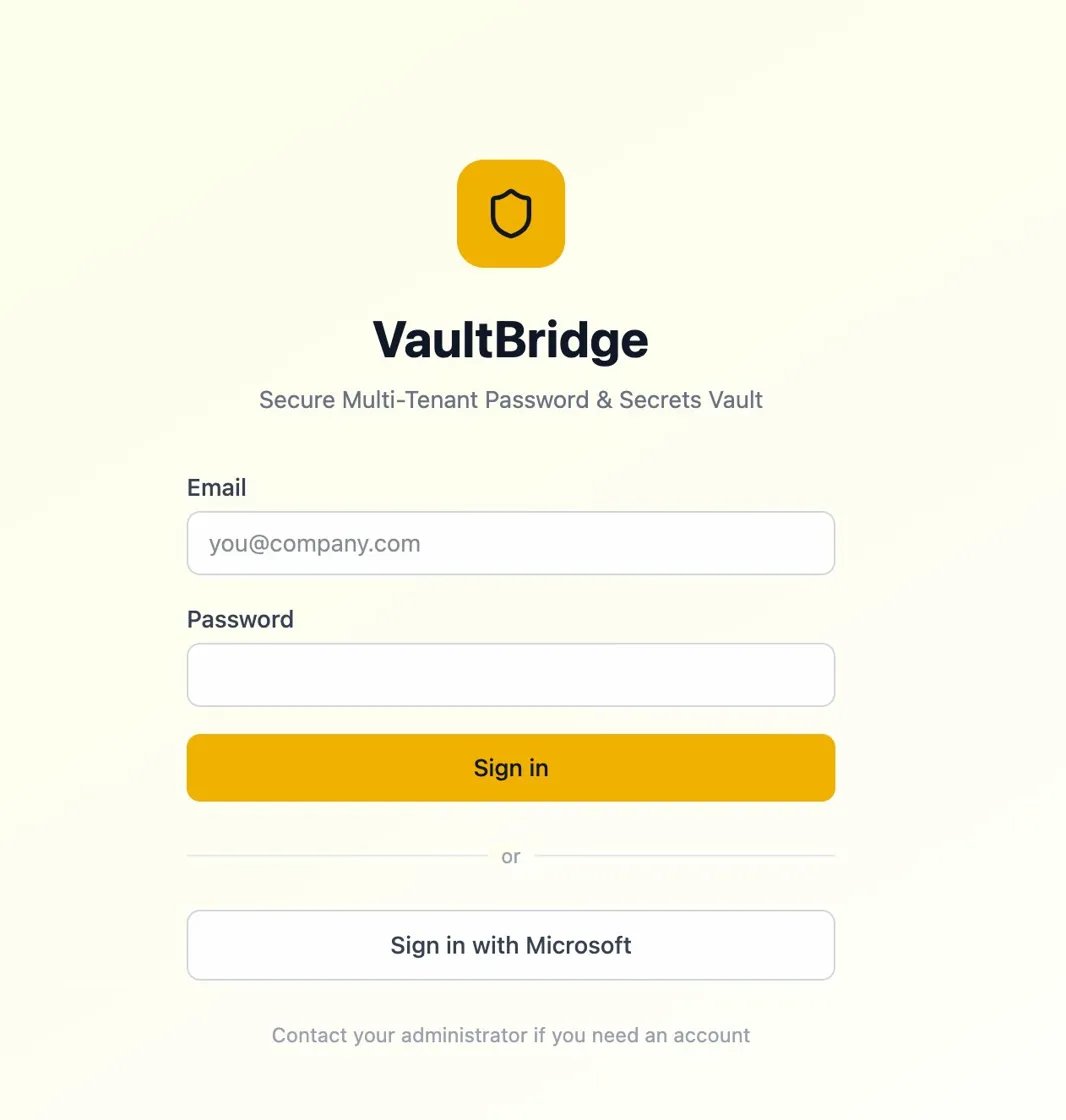
One-click sign-in via Microsoft Identity Platform or traditional email/password. Engineers use their existing corporate credentials.
Two-Factor Authentication
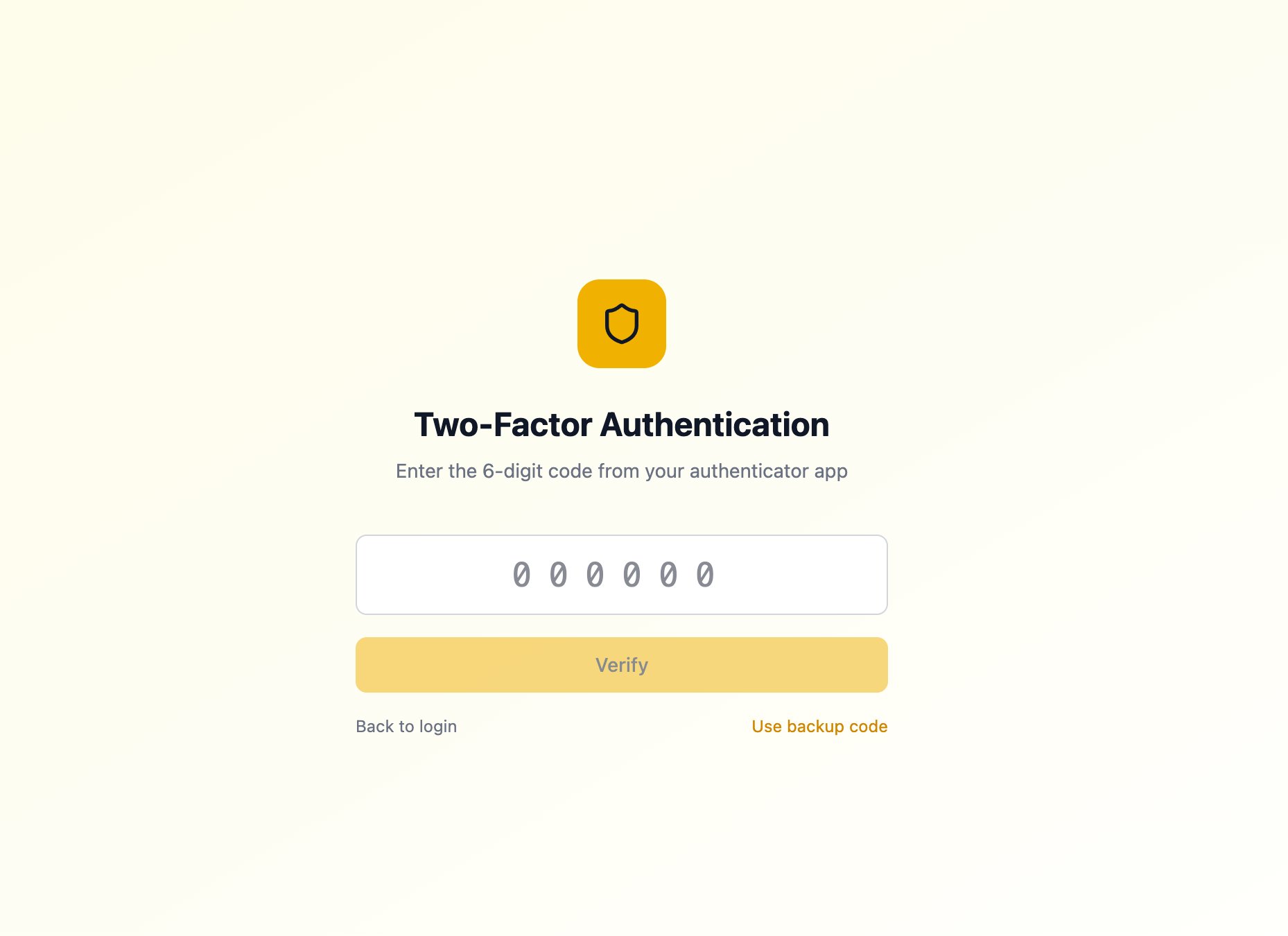
Mandatory 2FA via authenticator app with backup codes. Every login requires a 6-digit verification code for an additional layer of security.
Role-Based Access Control
Granular permissions per tenant. Admins control who can view, edit, or share secrets within each client's vault.
Audit Log & Rotation Tracking
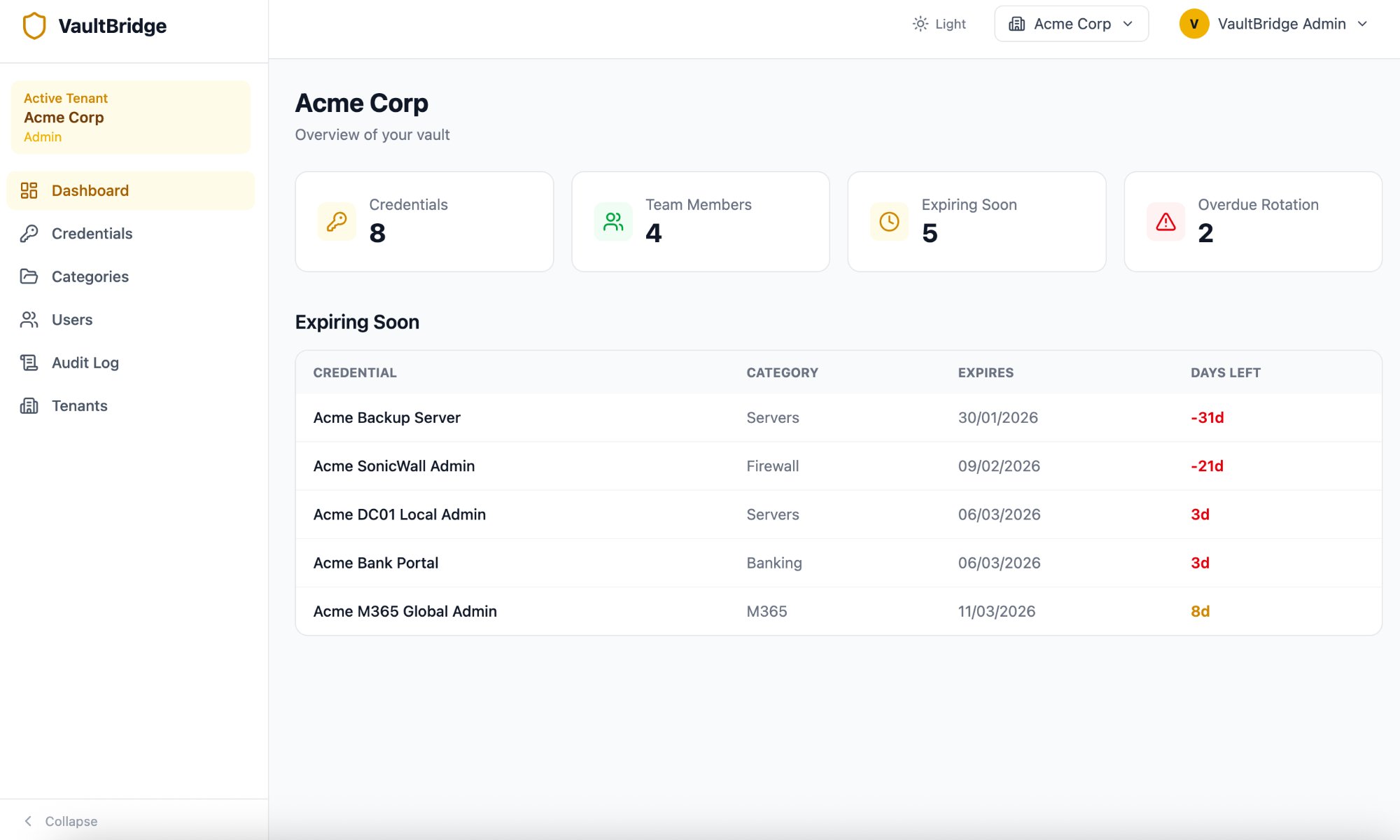
Every credential access is logged. The dashboard surfaces expiring and overdue credentials with days-left countdowns so nothing slips through the cracks.
Credential Management
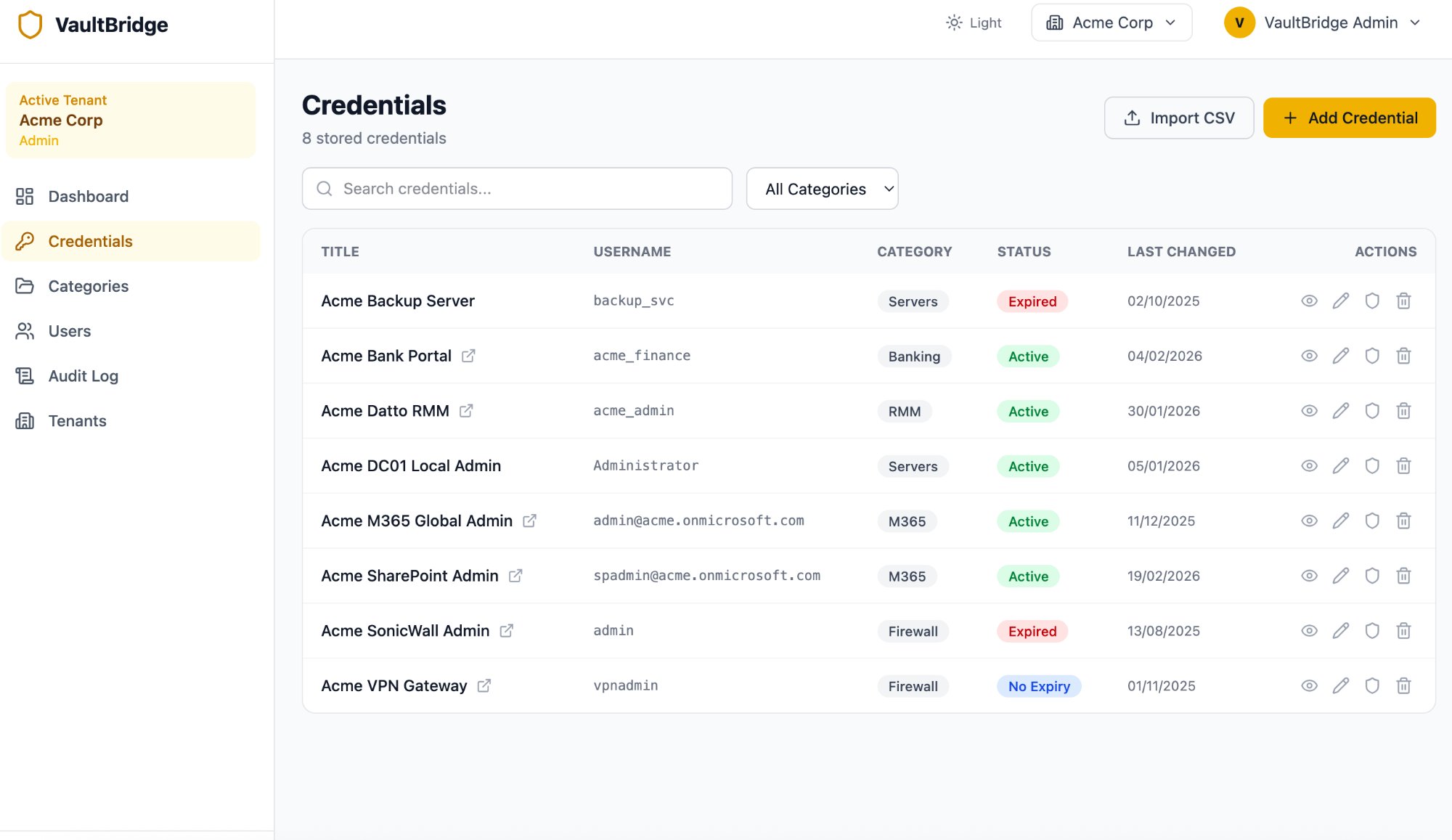
Search, filter by category, import via CSV, and manage credential status (Active, Expired, No Expiry). View, edit, copy, and delete with inline actions.
Screenshots
Technologies
Results & Impact
VaultBridge eliminated all unencrypted credential storage across the organisation. Engineers now access client secrets through a single, audited interface with mandatory 2FA. The expiry tracking dashboard ensures credential rotation never falls behind, with clear visibility into overdue and upcoming rotations. Onboarding takes minutes. Grant the appropriate tenant roles and they're ready. Offboarding is equally instant.
Lessons Learned
Building for MSPs means building for trust. The multi-tenant isolation model had to be bulletproof. Any possibility of cross-tenant data leakage would undermine the entire value proposition. Enforcing tenant boundaries at the data layer was a deliberate architectural choice that added complexity but provided genuine security guarantees.
Two-factor authentication was non-negotiable from day one. For a system that stores the keys to every client environment, a single authentication factor simply isn't sufficient regardless of password complexity. The backup code system ensures engineers are never locked out during emergencies.
Microsoft SSO integration proved critical for adoption. Engineers are far more likely to use a tool daily when it doesn't require yet another set of credentials. Reducing friction at the authentication layer directly increased engagement across the team.